How to Disable Smart TV Data Collection: Stop Roku, Samsung, LG & Vizio ACR Tracking (2026)
Disable Smart TV data collection by reviewing Automatic Content Recognition, advertising identifiers, voice settings, app permissions, and account controls.

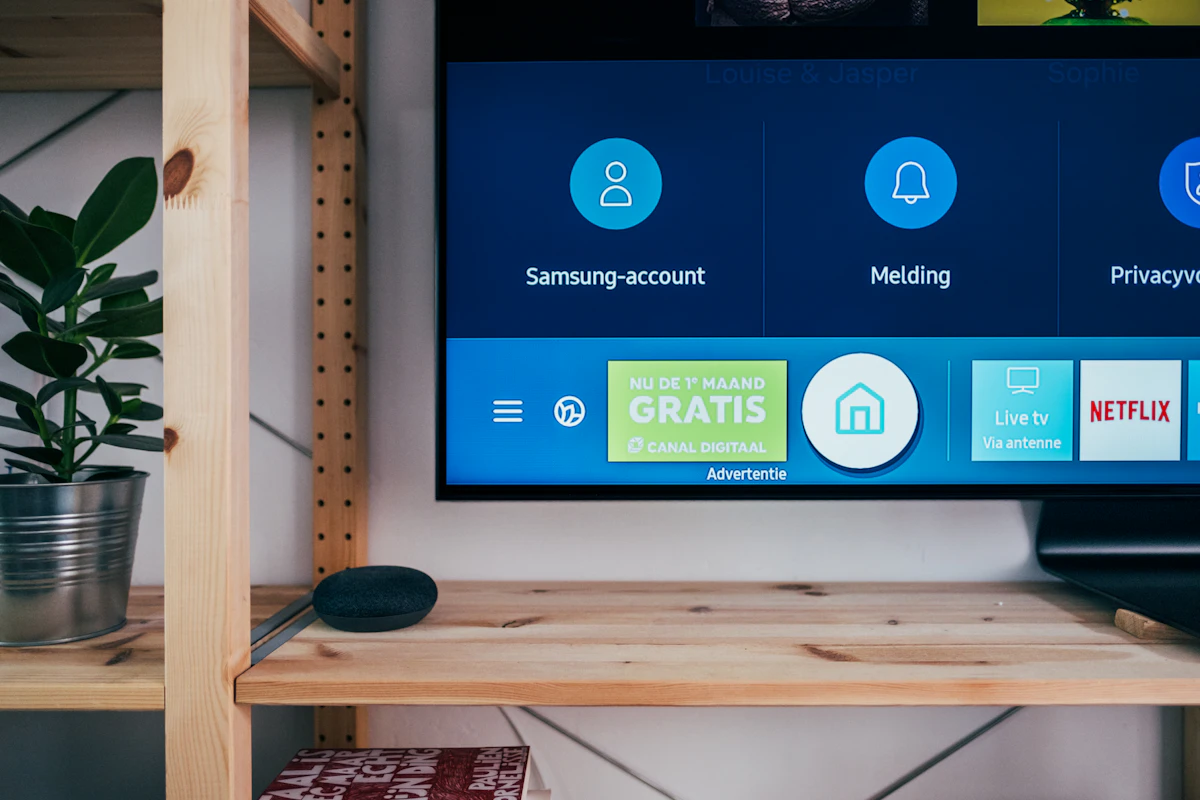
Smart TVs can collect more than a traditional television because they run connected software, apps, advertising services, diagnostics, and sometimes Automatic Content Recognition (ACR). The exact feature, name, default, and data use depend on the manufacturer, model, region, software version, account settings, and the content source.
This guide explains how to review those controls without treating one brand’s menu or privacy notice as universal. It does not claim that a single switch makes a TV anonymous or that every TV captures the same information. Menu labels change, so use the current support page and privacy notice for the exact model.
Source review boundary (October 9, 2026): Samsung, Roku, and Google statements below are limited to the linked first-party guidance and its stated device or feature scope. Roku's linked support page was updated June 23, 2026. The Vizio matter is a 2017 FTC and New Jersey proceeding, not evidence about every current television. Device menus, availability, retention, and provider policies can change.
Key takeaways
- Review the TV’s viewing-data or ACR setting, advertising-personalization setting, diagnostics, voice features, app permissions, and account privacy controls separately.
- Samsung’s current ACR guidance says ACR is optional on applicable TVs, may use viewing history, a device identifier, and IP address, and can be changed from the TV’s settings. It also says Samsung does not record or watch the content displayed on the screen. Read the current Samsung ACR explanation.
- Roku’s current support material describes Smart TV Experience and ACR as opt-in controls and says previously collected information may be retained after ACR is disabled. See Roku’s current instructions.
- Google TV lets you reset or delete its advertising ID, but Google says ads can continue and apps may use other information. See Google’s advertising-ID instructions.
- Turning off a setting can reduce a particular data flow; it does not delete historical records, disable every app’s collection, or stop the internet connection. Confirm the result in the device’s current privacy notice.
- Network blocking can break features and is not absolute. A disconnected TV or a separate streaming device may reduce built-in TV telemetry, but the streaming device and apps can still collect their own data.
What ACR means
Automatic Content Recognition is a family of technologies that identify or classify content shown on a screen. Depending on the implementation, a device may use portions of the video signal, audio, metadata, or another identifier to recognize programs, advertisements, or connected-input content. There is no single industry-wide sampling rate, hash format, server architecture, or retention period that applies to every TV.
Tired of dealing with data exposure?
Choose relevant provider workflows, review the generated drafts in your browser, and send or submit each request yourself. Matching, eligibility, and provider requirements still need checking.
The FTC’s Smart TV workshop material describes ACR as a way some manufacturers can periodically capture portions of what is playing and report information to a server or service provider. That historical explanation is useful background, not proof that your current TV uses the same implementation.
ACR is only one category of connected-device data. A TV may also process:
- account and device identifiers;
- IP address, network information, and diagnostics;
- app installations, usage, crash reports, and voice-search activity;
- watchlists, recommendations, and viewing activity within a platform;
- advertising or personalization preferences; and
- information required to provide a connected feature.
Read the model-specific privacy notice before assuming that “ACR off” covers all of these categories.
A documented historical example: the Vizio FTC case
In 2017, the FTC and New Jersey Attorney General announced a $2.2 million settlement with Vizio over allegations that software on approximately 11 million TVs collected second-by-second viewing information without adequate knowledge or consent. The FTC said the complaint alleged that the system captured information from sources including cable, set-top boxes, external streaming devices, DVDs, and over-the-air broadcasts, and that viewing information was provided to third parties for purposes including cross-device advertising (FTC's Vizio case announcement).
The FTC’s case announcement describes the allegations and the order’s requirements. The case is evidence about the conduct and remedy covered by that proceeding. It is not a universal finding about every current Vizio device, every manufacturer, or every ACR service. Do not turn the settlement into a claim that all smart TVs sell the same data or that Section 5 automatically bans every viewing-data feature.
Review settings in a safe order
1. Record the model and software version
Take a note of the TV model, operating-system version, region, connected accounts, and the date you review the settings. A menu path from a different model or year may be wrong. If the TV is managed by an employer, hotel, landlord, or family account, confirm who controls the device before changing it.
2. Read the privacy choices during setup and in settings
Look for labels such as:
- Viewing Information or Viewing Data;
- Automatic Content Recognition or Smart TV Experience;
- Interest-Based Advertising or Personalized Ads;
- Usage and Diagnostics;
- Voice Recognition, Voice Assistant, or Microphone; and
- app permissions, account personalization, or connected-services settings.
The labels are examples, not a promise that your TV uses them. Open the explanation attached to each setting and record whether it describes collection, sharing, retention, or only personalization.
3. Review each brand through current first-party guidance
| Platform or device | Current guidance summarized in this post | Separate boundary |
|---|---|---|
| Samsung | Applicable TVs may use ACR after Viewing Information Services is enabled, and the setting can be changed later | Review Interest-Based Advertising and account personalization separately |
| Roku TVs and players | Smart TV Experience and ACR controls cover viewing information from streaming, antenna, or other connected devices | Data collected while the setting was enabled may be retained after it is disabled |
| Google TV | The advertising ID can be reset or deleted under Privacy and Ads | Ads can continue and apps may use other factors; this is not a complete viewing-history or diagnostics opt-out |
| LG, Vizio, Amazon Fire TV, and other platforms | Use the manufacturer's current support site and search the exact model for the relevant privacy and viewing-data settings | Do not copy a Samsung or Roku path onto another device |
Samsung
Samsung’s current ACR page says that applicable TVs may use ACR only after the user enables Viewing Information Services and that the setting can be changed later. Start in the TV’s Settings and look for the current privacy or Viewing Information Services control. Review Interest-Based Advertising and account personalization separately; disabling one does not prove that the others are disabled.
Samsung’s page also says the viewing information may include viewing history, a Personalized Service ID, and IP address, and states that Samsung does not record or watch the content displayed on the TV. Use those statements as the current Samsung explanation, not as a description of other brands.
Roku TVs and players
Roku’s current support article describes Smart TV Experience, ACR, and More Ways to Watch. It says ACR can collect information about movies, shows, or games viewed through streaming, antenna, or other connected devices, and provides a current Settings route for disabling the feature. Roku also warns that data collected while the setting was enabled may be retained after it is disabled.
Open the article for the model’s current route and distinguish ACR from other privacy and advertising controls. If you use a Roku account, review account-level privacy settings as well as the device menu.
LG, Vizio, Amazon Fire TV, and other platforms
Do not copy a Samsung or Roku path onto another device. Use the manufacturer’s current support site and search the exact model for “ACR,” “viewing information,” “viewing data,” “privacy choices,” “advertising,” “diagnostics,” and “voice.” A feature name such as Live Plus or Viewing Data may exist on some products or versions without applying to every device carrying the brand name.
For third-party streaming sticks and boxes, review the box’s privacy settings separately from the television’s settings. A TV’s ACR control cannot necessarily change the app, account, or streaming-device data flow.
Google TV
Google’s current instructions say you can reset or delete the advertising ID under Privacy and Ads. Google also says that deleting the ID does not turn off ads and that apps may use other factors. Treat this as an advertising-identifier control, not as a complete viewing-history or diagnostics opt-out. Review Google TV’s data-use explanation and the individual app privacy choices as well.
4. Review microphones and voice assistants separately
ACR and microphone behavior are different questions. A TV may process a voice command, a remote-control button press, or an assistant feature under separate settings. Turn off voice features you do not use, remove unused apps, and check the manufacturer’s explanation of what is processed locally, what is sent to a service, and how long data is retained. Do not state that a single “voice off” switch proves that no audio can ever be processed.
5. Remove unused apps and accounts
Delete apps you do not use, sign out of accounts that should not remain on the TV, and review permissions on both the TV and any connected streaming device. Removing an app does not necessarily delete the provider’s historical account or viewing records; use the provider’s account-privacy route if deletion is appropriate.
Network and hardware options
Disconnecting the TV
If you do not need the TV’s connected features, leaving it offline can reduce data sent by the TV itself. You may still need to update firmware through a supported method, and an offline TV cannot provide connected apps or remote features. A separate streaming device reintroduces another connected system, so review its settings too.
Separate streaming device
Using a streaming box can separate app activity from the built-in TV software, but it does not make streaming private. The box, apps, account, network, and service providers can still process activity. Consider this an architecture choice, not an anonymity guarantee.
Router or DNS filtering
Pi-hole, AdGuard Home, firewall rules, and network segmentation can block known endpoints, but vendor domains change and a block can break updates, sign-in, recommendations, or streaming. Do not paste an unverified internet list of domains into a production router and assume it covers every telemetry path. Test one device at a time, keep a rollback plan, and use the TV’s own privacy controls first.
The FTC’s general connected-device security guidance recommends reviewing tracking settings, removing unused apps, and keeping device software current. Privacy reduction and security maintenance should be handled together.
What disabling a setting does not do
Turning off ACR or personalized ads generally does not prove that:
- data collected before the change has been deleted;
- other apps or the streaming provider have stopped collecting activity;
- a device identifier, IP address, diagnostics, or account data is no longer processed;
- ads disappear from the home screen; or
- a search-engine, advertiser, or data broker has removed an existing profile.
If historical deletion matters, use the manufacturer or service provider’s current data-request route and ask what scope, identity verification, exceptions, and retention rules apply.
Separately, Nielsen runs third-party audience-measurement panels and SDK-based tracking that operate independently of a TV’s own ACR setting — a manufacturer privacy change does not opt you out of Nielsen, and a Nielsen privacy request does not change a manufacturer’s ACR collection. Review each route on its own.
Frequently asked questions
Does turning off ACR disable Netflix or other streaming apps?
There is no universal guarantee. ACR may be separate from app playback, but the exact feature dependencies vary. Read the model’s support guidance and test the apps you use after changing the setting. If a feature stops working, restore the setting or contact the manufacturer.
Can a smart TV record conversations in the room?
That depends on the device, remote, assistant, app, and settings. ACR is not the same as microphone processing. Review voice and microphone controls separately, and read the current privacy notice rather than assuming that a microphone is always or never active.
Does the FTC Vizio settlement prove that every smart TV tracks me?
No. The 2017 Vizio case described allegations and an order concerning specific Vizio practices at that time. It is a reason to review current settings and notices, not evidence that every brand or model uses the same system.
Does deleting a Google TV advertising ID stop all personalized ads?
No. Google says apps can still show ads and may use other factors. Deleting the ID reduces one identifier’s use; it is not a complete advertising or app-data opt-out.
Smart-TV privacy checklist
- [ ] Record the exact model, software version, account, and date checked.
- [ ] Review ACR or viewing-data controls using current first-party guidance.
- [ ] Review personalized advertising, diagnostics, voice, and app settings separately.
- [ ] Remove unused apps and accounts, then check the provider’s deletion options if needed.
- [ ] Re-check connected streaming devices; their settings are separate from the TV.
- [ ] Treat DNS or firewall filtering as optional, reversible, and incomplete.
- [ ] Keep firmware current and retain a rollback plan before changing network rules.
Review selected data-broker opt-out workflows →
Related connected-device guides
- How to Opt Out of Car Data Brokers: Connected-vehicle data and provider boundaries.
- How to Delete an Amazon Account: Account-closure scope and retention questions.
- What Is a Data Broker?: How commercial data sources differ from device telemetry.
- Complete Data-Broker Removal Guide: Source-specific privacy workflows.
Understand your privacy rights
Where a privacy right is relevant, these plain-English explainers show what each law covers and what to verify before making a request.
Related Data Broker Removal Guides
Take back your privacy today
Review provider-specific routes, prepare your requests locally, and send or submit each one yourself.
Review Provider RoutesFree to review provider routes · Optional one-time unlock from $9.00 · No subscription