How to Remove Your Data from ClearbitStep-by-Step Guide 2026
To request removal from Clearbit, open HubSpot's Privacy Preferences page, enter the email associated with the commercial-dataset record, choose the applicable commercial-dataset deletion or opt-out preference, and submit the form. Clearbit's current policy also links to HubSpot's Privacy Request form for access, deletion, correction, or opt-out requests. This addresses the enrichment record, not every CRM, company site, or downstream marketing copy. The current catalog does not record a routine government-ID requirement for Clearbit; that is not a promise that the live route will never ask for verification. A B2B data-enrichment provider (now HubSpot Breeze Intelligence) that profiles people and companies.
Free exposure check
Eight yes/no questions rate which broker categories are likely to hold a record on you, and name the brokers to remove first. No name or email needed.
Check my exposure
Your record may be duplicated across related databases or sister sites like RocketReach, Lusha, UpLead, Crunchbase. Removing your data from Clearbit does not prove that these other properties changed.
Prepare opt-out drafts for Clearbit + related networks →| Cost | Check Clearbit's current privacy notice; this catalog does not establish a fee or guarantee a no-charge route. |
|---|---|
| Opt-out method | Official opt-out form or email to privacy@hubspot.com |
| Verification | No routine government-ID requirement recorded; verify the live route |
| Difficulty | Easy (2/5) · see the catalog difficulty index |
| DIY priority | Medium impact. This is a routing label, not a removal success rate or legal conclusion. |
| Evidence depth | Deep evidence: 108/258 tracked fields, 172 evidence facts. |
| Minimum-effort path | Prefilled email draft. First-party request-route candidate; manual review required (date not recorded). |
| Re-check | Provider- and risk-dependent; verify when a new listing, source change, or safety concern warrants it |
Manual DIY Removal vs. OfflistMe Request Drafts
Provider routes, verification, fees, and scope vary. This is a workflow comparison, not a timing, monitoring, legal, or removal-outcome promise.
| Feature / Effort | Manual DIY Opt-Out | OfflistMe Request Drafts |
|---|---|---|
| Time required | Depends on the provider route and number of records | Draft creation is local; review and sending remain yours |
| Number of forms to submit | One route per provider or source where required | Selected workflows still require review |
| Email & ID verifications | Provider-specific verification | User reviews and sends from their own inbox |
| Re-exposure monitoring | No automatic result is promised | Keep evidence and re-check as needed |
| Subscription commitment | Provider terms and any applicable fee | Review the current plan and access terms |
Generate Your Clearbit Opt-Out Request
Review the current route for Clearbit and any other selected workflows.
Generate Clearbit RequestGenerate your Clearbit opt-out email draft
No name, email, or sign-up is needed to open the draft. Review the privacy-request language, fill in only the details needed to identify you, and send it directly to Clearbitif the provider's current route accepts email.
Sends to privacy@hubspot.com · Prefer their form? Opt out on clearbit.com directly
Want to review selected broker workflows at once? OfflistMe records 1,000+ workflow profiles and can prepare reviewable drafts; you choose what to send and keep the submission evidence.
What is Clearbit?
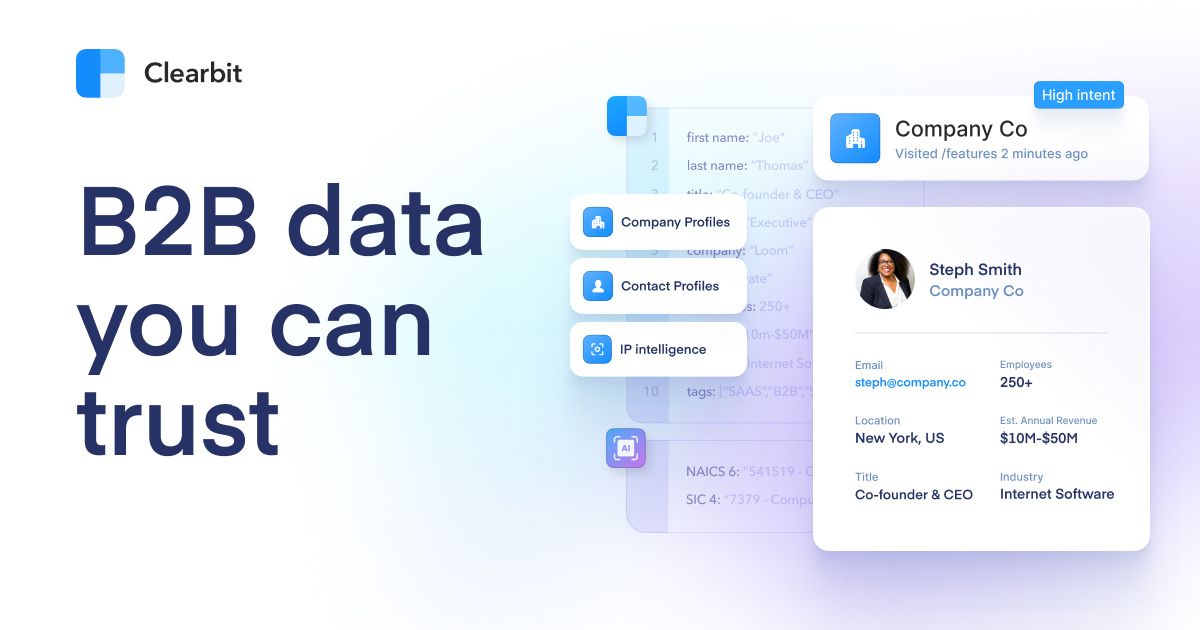
Catalog context (not a live profile audit): Clearbit (acquired by HubSpot and now branded Breeze Intelligence) is a B2B data-enrichment provider that builds profiles of people and companies, job title, employer, social links and firmographics, used to enrich CRM records and target marketing. Your professional profile feeds the products of businesses that license Clearbit. This guide covers the profile described in the catalog for Clearbit; removing it here does not erase the original government, employer, court, property, or social source.
Catalog-described data types for Clearbit
- •Full name
- •Work email address
- •Job title and role
- •Employer, industry and company firmographics
- •Location (city/region)
- •Social and professional profile links
Why Your Data Appears on Clearbit
Catalog source context (not a complete provenance finding): Clearbit aggregates publicly available professional and company data from across the web and data partners, then structures it into enrichment records. Your profile is assembled automatically from your business footprint without your involvement. The record can be matched through your name, employer or work email. Compare the listing with your own details, save the exact URL, and request removal only after confirming it is you.
Where Clearbit gets your data
- →Publicly available web and company data
- →Professional networking profiles
- →Company websites and filings
- →Data partners and licensed datasets
Step-by-Step: How to Remove Your Data from Clearbit
The provider may offer a no-charge request route, but terms can change. Verify the result against the live listing after submitting.
Open HubSpot's Privacy Preferences page
Go to www.hubspot.com/hubspot-privacy-preferences. HubSpot says this page can remove your information from the commercial dataset that powers its enrichment products.
Enter the email associated with the record
Enter the email address associated with the Clearbit or HubSpot commercial-dataset record.
Choose the deletion or opt-out preference
Select the applicable commercial-dataset deletion or opt-out preference and submit the form. Clearbit's current policy also links to the HubSpot Privacy Request form at preferences.hubspot.com/?locale=en for access, deletion, correction, or opt-out rights.
Complete the live form checks
Complete the reCAPTCHA or any other check the current HubSpot form shows, then keep the submission acknowledgement if one is provided.
How Long Does Clearbit Removal Take?
This guide has no verified processing time for Clearbit. Keep the confirmation or acknowledgement from the request, then search for the exact listing again after the route's last step to see whether it changed.
What Documents Clearbit May Request
No routine ID requirement recorded
- •The email address associated with the Clearbit or HubSpot commercial-dataset record
- •The commercial-dataset deletion or opt-out preference shown by the form
Safety note on ID uploads
The current HubSpot preference form asks for an email and protects the page with reCAPTCHA. Do not provide a government ID, SSN, or home address unless a later live route specifically requests it.
Evidence and data profile
This guide is enriched from the current broker dossier. It helps you choose a route and limit unnecessary disclosure; it is not proof that the broker has every listed data type or that a request will succeed.
Tracked evidence
108/258 tracked fields across 172 evidence facts
Route and freshness
First-party request-route candidate; manual review required (date not recorded). Next route recheck due 2026-10-21.
Legal operator & parent company
HubSpot, Inc. The catalog records no distinct external corporate parent for this entity.
Evidence areas
- source provenance
- contact routes
- data categories
- registry profile
Recorded data-domain signals
- B2B & Sales Intelligence
Minimum-effort path
- Open the prefilled email draft from your own inbox.
- Review the broker list and send only after the draft looks correct.
Direct evidence sources
These links support the route and workflow fields shown above. A reachable page or source record does not prove that a request was accepted, completed, or that data was deleted.
- https://help.clearbit.com/hc/en-us/articles/22713680383255-How-Does-the-Clearbit-Community-Data-Opt-Out-Work ↗
- https://clearbit.com/privacy-policy ↗
- https://clearbit.com/do-not-sell-my-personal-information ↗
- https://clearbit.com/blog/clearbit-trust-center ↗
- https://clearbit.com/Clearbit_DPA_20MAR2024.pdf ↗
Workflow source checked 2026-09-02. Evidence label: official current source confirmed.
Medium impact and data-depth labels prioritize DIY routing. They are not removal success rates, legal conclusions, or proof that a broker deleted data.
What to Do If Clearbit Removal Fails
If the standard opt-out process does not work, follow these escalation steps in order:
If your Clearbit listing reappears, preserve the original and new source URLs, compare the matching fields, and use the provider's current route for a follow-up request. A new listing does not by itself prove that the original request failed.
If the opt-out form is broken or the link has moved, email privacy@hubspot.com with the subject "Do Not Sell / Delete: Personal Information" and a clear statement of your request plus your listing URL.
If Clearbit does not respond within the period stated by its current notice or the law that applies to you, keep the request and any acknowledgement, then use the relevant regulator or complaint channel.
Alternative Options
Manual removal
The opt-out above is intended for Clearbit specifically. Because providers operate independently, a broader cleanup usually requires separate review and requests for other sites; the time and fields vary by provider.
Request drafting (OfflistMe)
OfflistMe's public catalog contains 1,034 recorded US/global workflow profiles, including a route record for Clearbit where available. The opt-out wizard can surface that recorded route and prepare a reviewable request draft; you review the details, choose what to send, and keep the submission or response record yourself.
Generate the Clearbit opt-out email →Frequently Asked Questions
Open www.hubspot.com/hubspot-privacy-preferences, enter the email associated with the record, choose the commercial-dataset deletion or opt-out preference, complete the live checks, and submit. Clearbit's current policy also links to HubSpot's Privacy Request form and publishes privacy@hubspot.com.
No universal processing window is established here for Clearbit; follow the provider's current acknowledgement or the applicable legal response rule, then keep the request record and verify the listing yourself. Re-check clearbit.com after any window the provider currently states, and keep the original request evidence if the listing remains visible.
Clearbit is presented under HubSpot's Clearbit brand. Use HubSpot's current commercial-dataset preference or Privacy Request form and the privacy contact published by Clearbit: privacy@hubspot.com.
Clearbit enriches business records by compiling public professional data into structured profiles sold to its customers. The opt-out tells Clearbit to delete and stop processing your record.
The catalog records a public request route for Clearbit, but confirm the current provider terms before submitting. A service fee, verification requirement, or jurisdictional rule can differ from the underlying provider request; do not pay an intermediary merely to access a route that the provider offers directly.
Know the laws behind this request
A request to Clearbit may involve a privacy law, provider policy, or no statutory route depending on your location and the data. These explainers are starting points; read the relevant legal context, then check the current law, scope, exemptions, and provider role before citing one.
Generate requests in under 60 seconds
Don't stop at Clearbit
Reviewable Request Draft
Prepare a reviewable Clearbitrequest draft, then send it yourself after checking the provider's current route.
Generate Request Drafts