How to Opt Out of ClustrMaps and Review Address Exposure (2026 Guide)
Source-first ClustrMaps opt-out guide: verify the listing, use the current provider route, minimize disclosure, and separate provider, public-record, and Google Search changes.

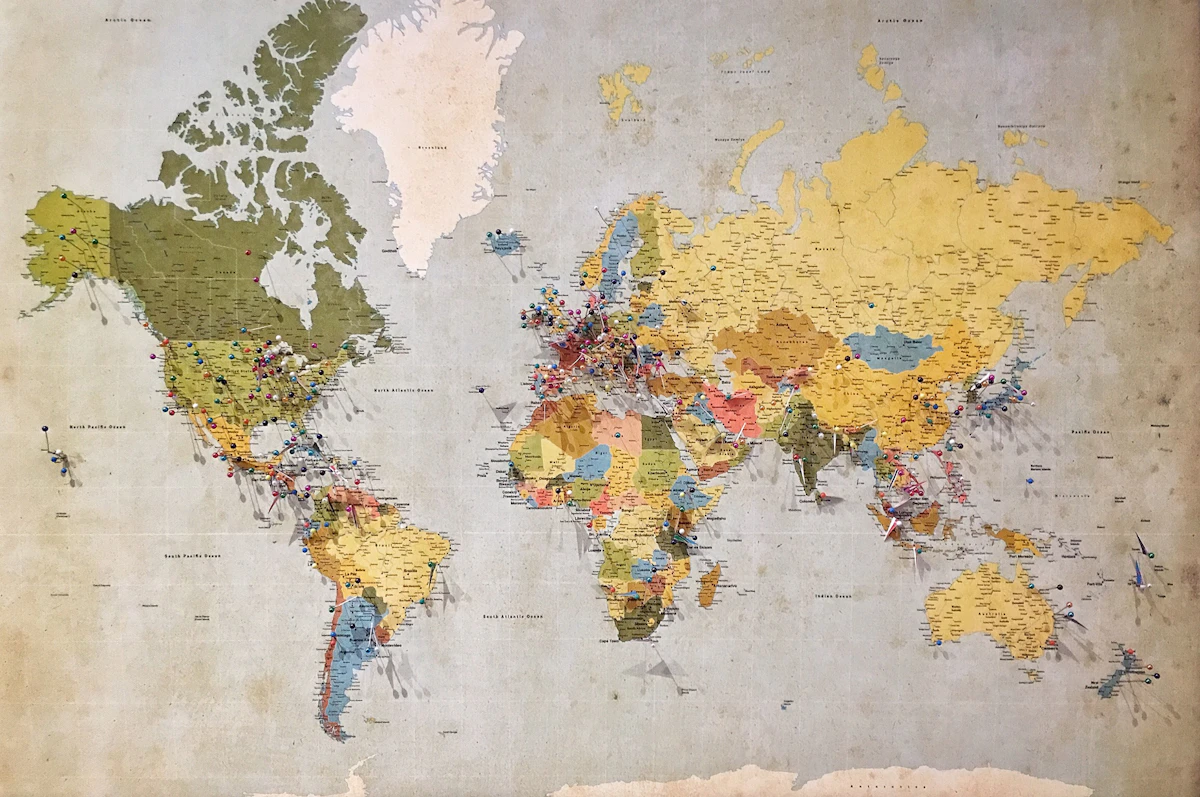
This guide treats ClustrMaps as an address-oriented people-search target based on its recorded route pointers, but its current operation, fields, operator, source mix and route availability could not be independently confirmed during the August 25, 2026 review. A live listing may present a name, address, phone number, household or neighbor association, map context, or property-related information, but these are general possibilities rather than a confirmed current provider inventory. Verify the exact profile before deciding what is exposed.
This guide uses a source-first process. It does not claim that ClustrMaps is the largest, most dangerous, most accurate, or highest-traffic provider, and it does not assign a universal removal timeline. A ClustrMaps request addresses the provider's copy or presentation. It does not automatically change a county record, another people-search site, a neighbor's profile, or a Google result.
This is educational information, not legal advice. If an address is connected to stalking, domestic abuse, threats, identity theft, or an active safety risk, preserve evidence and involve a qualified advocate or local support service before submitting information.
Quick answer
- Search ClustrMaps safely and confirm the listing using more than a name alone.
- Copy the exact profile URL and record the fields that match you.
- If it is live, open the recorded first-party opt-out pointer, or use the privacy/removal link shown on the current site.
- Provide only the minimum information the live form requests and save the submission evidence.
- Re-check the exact profile and any related result separately. Do not use a third-party processing estimate as a promise.
- Address public records, other providers, and Google Search through their own current routes.
What to verify on a ClustrMaps listing
Do not assume that every profile contains every field. Record only what is relevant:
Tired of dealing with data exposure?
Choose relevant provider workflows, review the generated drafts in your browser, and send or submit each request yourself. Matching, eligibility, and provider requirements still need checking.
| Field | What to check |
|---|---|
| Identity | Name, approximate age, city, or another safe matching detail |
| Address | Current or historical address and whether it is actually yours |
| Contact | Phone or other contact fields that match you |
| Household | Relatives, associates, residents, or neighbor references |
| Map or property context | A map pin, property detail, or neighborhood information shown on the page |
| Source | Any source, date, or provider explanation ClustrMaps displays |
A name-only match is not enough. Check the city, age range, phone, relative, or other non-sensitive detail that distinguishes your record. Do not open or save another person's listing as if it were yours. If the profile is behind an account or asks for unnecessary personal data to view it, consider whether the exposure is worth the additional disclosure.
Current self-service opt-out route
The catalog records `clustrmaps.com/bl/opt-out` as an online removal pointer. Direct inspection of the provider domain, opt-out page and policy page was unavailable during this review, so the pointer and the workflow below do not establish current availability, fields or processing. If the page loads, read its current instructions directly. Do not rely on a URL copied from an old guide if the official site redirects to a different route.
The source-aware workflow is:
- Navigate directly to ClustrMaps rather than following an unexpected email or message.
- Find the matching listing, if you can do so safely, and copy its exact URL.
- Open the current official removal or privacy route.
- Enter only the fields the form requires to locate the listing.
- Review any consent, verification, or retention notice before submitting.
- Save the confirmation page, reference, date, and any email without publishing them.
- Revisit the original URL or search the same identifier later and record the result.
Do not assume that a submission means the page was removed. A provider may acknowledge a request, ask for verification, suppress a particular record, update a field, or decline a request. Keep those states separate.
Verification and privacy risks
An opt-out form may ask for an email address, profile URL, name, address, or another identifier. Use a safe contact method and disclose the minimum required information. Before uploading an identity document, read the current notice and ask whether a redacted copy or alternative verification is available. Never provide a password, one-time code, Social Security number, or financial credentials to complete a normal opt-out.
If the page is connected to a survivor-safety concern, use a safe device and account. Do not put a protected address into a public note, a URL, an analytics field, or a third-party form that is not necessary for the provider's request. Preserve screenshots privately before reporting or removing content when the evidence may matter.
What a ClustrMaps opt-out does not control
Public records
County property, assessor, court, voter, licensing, business, and other public records have separate custodians and rules. A people-search opt-out cannot rewrite the original record. Ask the custodian about correction, redaction, confidentiality, or protected-address options when appropriate.
Other people-search providers
Another provider may have its own profile, source, or copy. The FTC explains that people-search sites can compile public and other data and that an opt-out does not erase the original public record or every related listing. Search and request each verified source separately.
Neighbor or household references
A site may display a person's name in a household, address, or neighbor context. Do not assume that removing your direct profile changes every page that mentions an address or another person. Review the provider's current scope and submit only a request you are authorized to make. Another person's data generally requires that person or an authorized representative to use the applicable route.
Google Search
Google Search is not the source page. Google's current personal-information guidance says eligible requests may remove some contact information or doxxing content from Search, but the source website may still contain the information. If the source has changed or disappeared, use Google's current refresh or outdated-content route when its requirements fit. Do not promise a fixed review or refresh period.
Legal requests and state privacy laws
Whether a statutory deletion right applies depends on the consumer, business, data, jurisdiction, request, thresholds, verification, and exceptions. A provider may offer a voluntary opt-out to people outside a particular law's scope. Do not state that ClustrMaps “must” delete within a fixed number of days without identifying the governing law and current facts.
For a California request, begin with the California Attorney General's CCPA guidance and confirm whether the business and request are covered. Other state laws have different definitions, dates, exemptions, and response rules. A law may regulate the provider's handling without requiring the removal of a public record or another provider's copy.
If a provider rejects a request, save the response, ask for the stated reason or appeal route, and consider the regulator or qualified legal route that applies to your residence and the provider. Do not send repeated forms with increasingly sensitive information when the scope is unclear.
Keep a privacy ledger
| Date | Source | Matching evidence | Action | Result |
|---|---|---|---|---|
| [date] | ClustrMaps profile | URL and visible field | Official opt-out | Pending / answered |
| [date] | County or public record | Custodian and record ID | Correction or confidentiality question | Unresolved / changed |
| [date] | Google result | Result URL and source status | Eligible Search request or refresh | Pending / changed |
| [date] | Other provider | Exact listing | Provider-specific request | Pending / source-checked |
Keep this ledger private. Do not store passwords, full identity documents, or unnecessary addresses in it.
OfflistMe workflow boundary
OfflistMe can prepare browser-local drafts for selected recorded provider workflows, including a workflow that may point to ClustrMaps. A catalog entry is not proof that ClustrMaps has a matching profile, that the live route is unchanged, or that a request will be accepted. The user reviews the destination and fields, sends or submits the request, completes verification, and re-checks the source. No single request guarantees removal from every provider or record.
Frequently asked questions
How long does ClustrMaps take to process an opt-out?
There is no verified universal timeline in this guide. Follow the live provider notice, save the submission date, and re-check the exact profile. A provider estimate, if shown, is not a guarantee that another page or source will change.
If I remove my ClustrMaps profile, will my address disappear from public records?
No. Public records are controlled by their custodians. Ask the relevant office about the current correction, redaction, confidentiality, or protected-address process.
Will removing my profile remove a neighbor's or relative's profile?
Do not assume so. The provider may maintain separate records and associations. Use the route for your own data or an authorized request for another person.
Does ClustrMaps share data with other sites?
The answer depends on the provider's current notice and the source relationships involved. A shared source is possible, but a ClustrMaps request is not proof that another provider received or changed a copy. Verify each site separately.
Should I use a P.O. Box to stop property exposure?
A P.O. Box may help with some mailing uses, but it does not replace every residential, tax, licensing, service-of-process, or property address. Ask the relevant agency or a qualified local professional before changing a record.
Sources and verification boundary
- ClustrMaps home page, recorded opt-out pointer and recorded policy pointer — first-party pointers recorded for route discovery. Direct inspection was unavailable during this review, so they do not establish current operation, ownership, fields, verification, eligibility, processing time, acceptance, suppression scope or outcome.
- FTC: What to know about people-search sites — supports general people-search source, provider-opt-out, public-record, related-listing and reappearance limits, not a ClustrMaps-specific inventory.
- Google: Remove private information from Search and Refresh Outdated Content — Search-result handling is separate from changing a provider page or source record.
- California Attorney General: CCPA — jurisdiction-specific rights and exclusions; it does not establish that ClustrMaps is covered or that a particular request will be accepted.
- OfflistMe Privacy Policy — describes OfflistMe's browser-local request-drafting boundary, not provider effectiveness.
Reviewed August 25, 2026. Verify the live ClustrMaps form, privacy notice, verification fields, and applicable legal route before submitting personal information. No provider request was submitted; current route availability, fields, verification, eligibility, timing, scope and outcome remain unverified.
Related guides
Understand your privacy rights
Where a privacy right is relevant, these plain-English explainers show what each law covers and what to verify before making a request.
Take back your privacy today
Review provider-specific routes, prepare your requests locally, and send or submit each one yourself.
Review Provider RoutesFree to review provider routes · Optional one-time unlock from $9.00 · No subscription